> For the complete documentation index, see [llms.txt](https://help.getcustomeriq.com/llms.txt). Markdown versions of documentation pages are available by appending `.md` to page URLs; this page is available as [Markdown](https://help.getcustomeriq.com/data-guides/other-integrations/zendesk.md).
# Zendesk
How to send tickets in Zendesk to CustomerIQ folders for analysis
By connecting Zendesk you can find themes and track topics across all your tickets.
After connecting Zendesk you'll have a dedicated Zendesk folder
Folders automatically created by Hubspot
### Step 1: Go to workspace settings
1. From workspace settings, go to [Apps and integrations](https://app.getcustomeriq.com/settings/integrations)
2. On the Zendesk card, select Configure
**Note**: You must be a Zendesk admin to connect this integration
### Step 2: Authenticate Zendesk
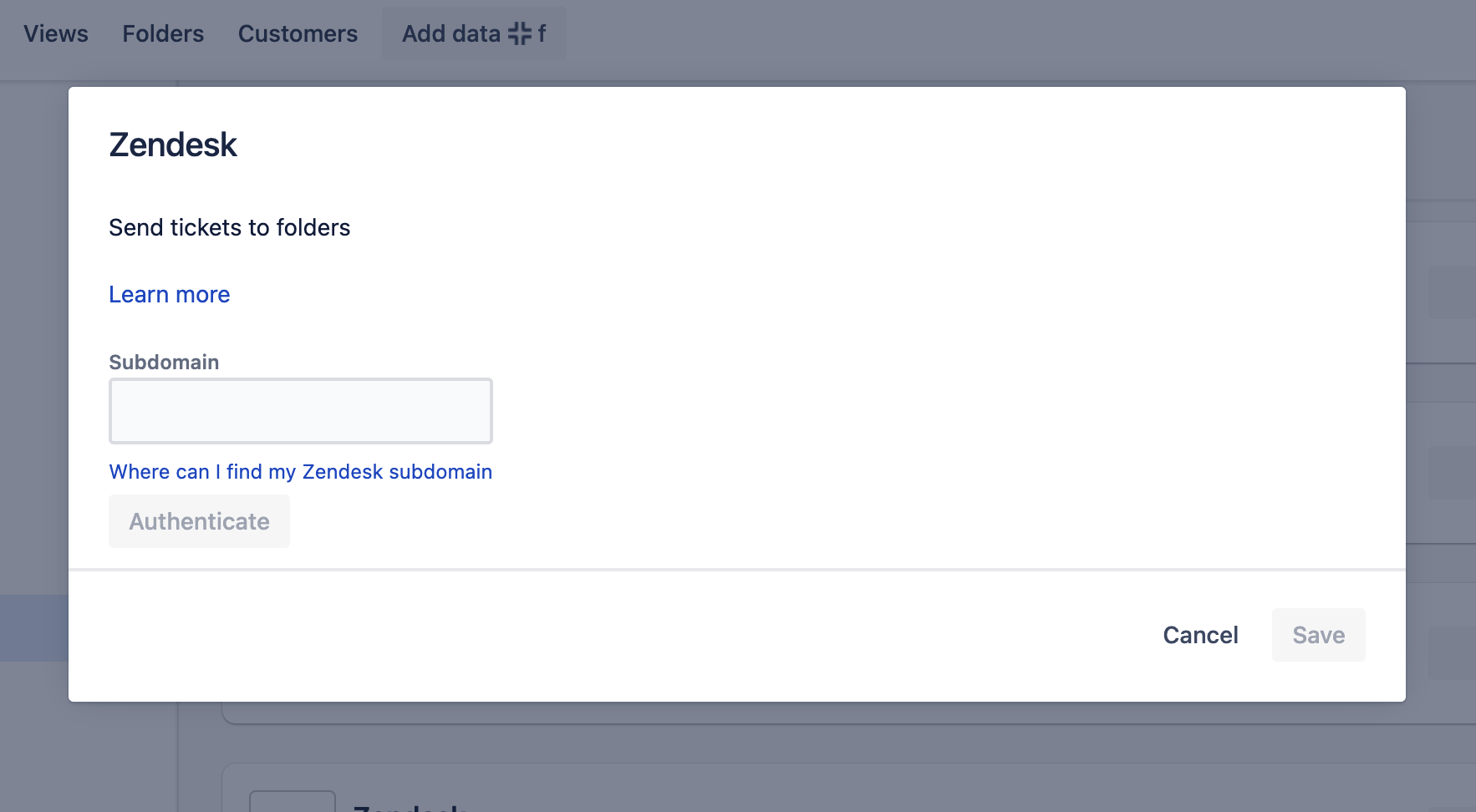
1. Under configuration, select Authenticate,
2. You will need your Zendesk sub domain to authenticate. [Here's where to find it.](https://support.zendesk.com/hc/en-us/articles/4409381383578-Where-can-I-find-my-Zendesk-subdomain-)
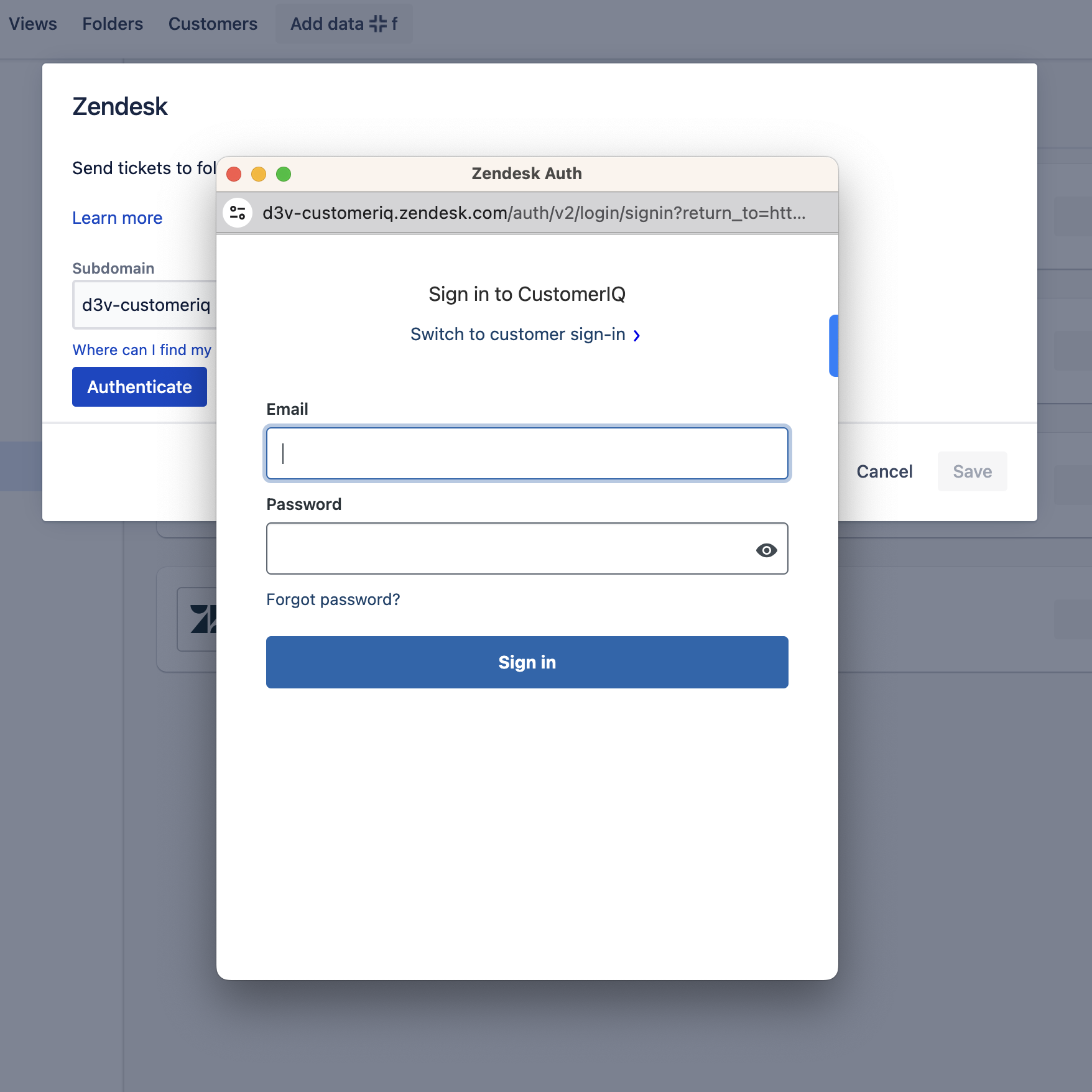
3. Enter your user Zendesk email and password in the modal that pops up, select sign in, and grant the necessary permissions
Zendesk configure modal
Zendesk authentication modal
### Step 3: Save configuration
1. After authentication, CustomerIQ will automatically configure a default folder to store your Zendesk tickets. You will see this reflected in the configuration modal.
2. Select Save
You're all set! Tickets will automatically start streaming from Zendesk. You can see this now by heading over to folders.
## Zendesk FAQ
#### How much data is pulled on the first sync?
After the first connection we sync any tickets created/updated in the last 30 days. For larger accounts on a free plan, this may use most or all of your free credits. You can track this usage in your workspace settings > billing > usage
#### How long until the first sync is ready for analysis?
This depends on the number of tickets in your account. For most accounts this initial data is ready for analysis in views in \~30 minutes. For larger accounts this could take a few hours. You can monitor the progress of your sync from folders.
#### When does data update?
We sync new data from your Zendesk account every 60 minutes. This includes updated threads to tickets.